 Flying Car AI Trend
 AI Zombie Trend
 Banana Tree Run AI Trend
 ChatGPT Millionaire AI Trend
 Bby Wow AI Trend
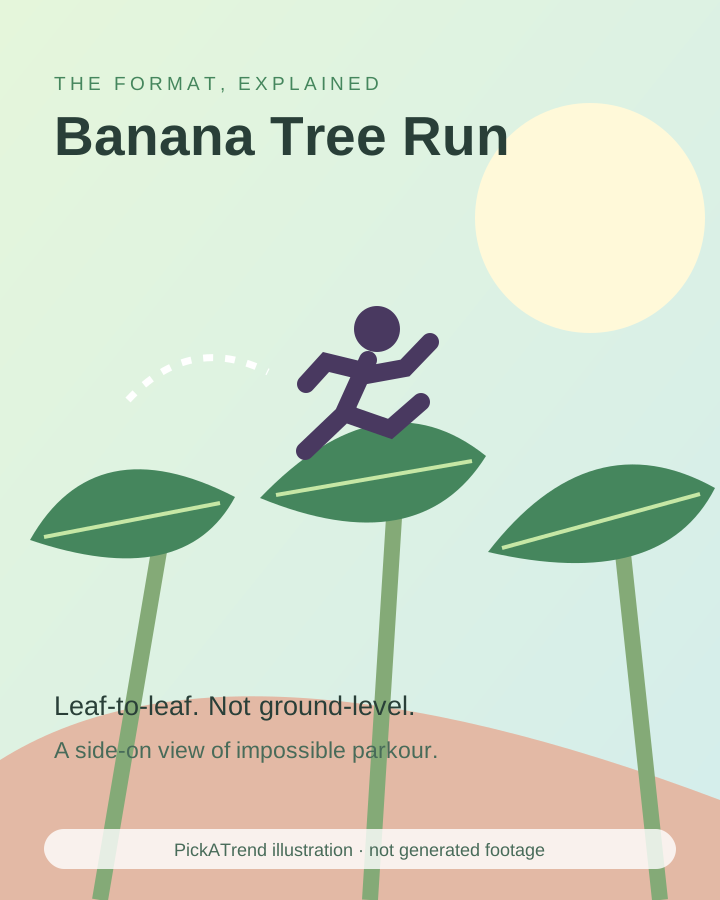
The Banana Tree Run AI Trend shows a person sprinting and leaping across broad banana leaves as if they were solid ground. Also called running on banana trees AI or banana leaf parkour, it is made with a photo-based template or a prepared image animated in an external video tool.
What is the Banana Tree Run AI Trend?
The runner moves horizontally above a plantation, landing on one broad leaf and pushing towards the next. A side-tracking camera keeps the full body and gaps visible. The appeal is confident athletic movement on a surface that plainly should not act like a pavement.
Leaf-top running is different from climbing a banana trunk. A slower walking-on-leaves version uses the same impossible setting, but the sprint adds takeoffs, flight and landing rhythm. Treat the scene as synthetic fantasy, never a stunt to attempt outdoors.
How did the Banana Tree Run AI Trend become popular?
The October sprint spread through a recognisable creator clip followed by instructions for making another version. A photo-based remake keeps the canopy and running rhythm but changes the subject, so a single visual joke can support many personal interpretations.
The dated post below is directly documented. Later write-ups report tutorials beginning the following day; that is a reported spread sequence, not proof of the first-ever leaf-running idea or a precise total audience.
@big.e.ug posted an 11-second clip captioned #CapCut; the documented example shows the leaf-top running format.
View the dated runner post →Subsequent published accounts place the arrival of CapCut how-tos here, turning the runner clip into a repeatable photo-based format.
A dated production guide documented the sprint, gaps and side-tracking camera and explained an external photo-to-video remake workflow.
How to make the Banana Tree Run AI Trend
Start with one manageable jump instead of asking a model to cross an entire plantation. Use an original fictional adult or an authorised adult reference to prepare a still with the runner, takeoff leaf and destination leaf visible. Then animate the action in an external image-to-video tool.
PickATrend provides this editorial guide, not a Banana Tree Run generator. The illustration is not a generated result. The following workflow is a suggested experiment using documented image-to-video capabilities, not a tested one-click preset.
- Prepare a coherent full-body starting image with two leaves and one clear gap.
- Load it into an external image-to-video tool with a supported model.
- Prompt one physical action: the runner pushes off, clears the gap and lands as the next leaf bends.
- Use a side-tracking camera and keep both feet in frame.
- Trim around convincing contact, add authorised sound and disclose AI-created footage when posting.
Tips
- Show a destination before the takeoff.
- Fix broken legs or overlapping leaves in the still before animation.
- Add another jump only after the first landing reads clearly.
What it costs
External-tool prices checked October 22, 2026: Runway Free is $0 with 125 one-time credits, not a monthly refill. Standard displays $15 per month on monthly billing or $12 per month billed annually, with 625 monthly credits. Model access and credit use differ; a free account does not include every model, and retries consume credits. These are plan prices, not a guaranteed price for a finished trend video. PickATrend does not sell a Banana Tree Run video; the $6.99 one-video offer applies to its supported Flying Car and AI Zombie templates, not this guide.
Runway plans and current pricing →
Runway image-to-video prompting guidance →
A one-gap leaf run you can storyboard
Suggested timing for a 10-second edit, not a breakdown of a generated PickATrend sample. Use these intervals to plan the shots; adjust them to your own footage and audio.
Suggested edit, not an observed PickATrend sample or measured clip breakdown. The beat labels describe story order and leave timing to your footage.
- 0–2 seconds · Establish
- Show the runner above the ground and the next broad leaf ahead.
- 2–4 seconds · Takeoff
- Keep the planted foot visible as the first leaf bends.
- 4–6 seconds · Clear the gap
- Track sideways so the full body and landing surface remain readable.
- 6–8 seconds · Contact
- Show the landing foot meeting the destination leaf rather than passing through it.
- 8–10 seconds · Continue
- End on a confident next stride or a clean landing before motion becomes unstable.
Why your runner looks airborne instead of grounded
The landing sells the impossible weight. If the foot never visibly meets a surface, a running prompt can look like flight. Look for a planted foot, a brief change in body height and a leaf response before the next push-off. These are review criteria, not a promise of physical simulation.
Reduce the gap and simplify the camera if contact becomes unclear. Avoid mixing climbing, walking and sprinting in one instruction. A short coherent leap communicates more than a longer sequence with sliding shoes, vanishing leaves or a body drifting above the canopy.